Try Arcads free for 3 days. Add Arcads to ChatGPT

Arcads MCP

Create AI images, videos and ads from your favorite AI assistant. Connect Arcads and turn your ideas into creative assets.

Start creating in a few simple steps.

Create your Arcads account, then connect your preferred AI assistant.

  1. 1

    Create your Arcads account.

  2. 2

    Open Settings → MCP & skills.

  3. 3

    Choose your app and follow the connection instructions.

ChatGPT

Connect directly from your Arcads account

  1. 1

    In MCP & skills, choose Connect to ChatGPT.

  2. 2

    Follow the connection steps shown by Arcads.

Your next creative starts with a conversation.

Product video

Turn a product photointo a video ad.

Start with your product image, describe the scene and create a video that puts your product in focus.

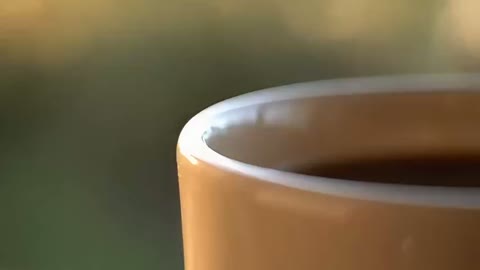
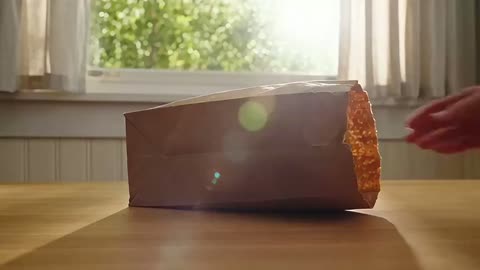
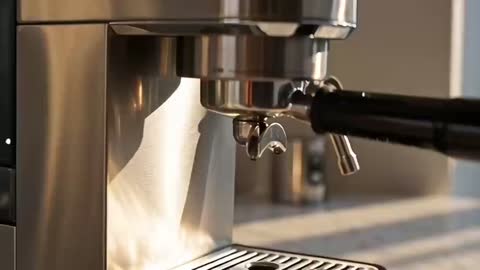
“Create a 12-second cinematic ad for a brushed-steel espresso machine in a sunlit kitchen. Show the machine, espresso pouring into a ceramic cup, and a clean final product shot with gentle steam. Keep the same machine throughout, with warm morning light, realistic movement and no text overlays.”

Coffee maker reference photo
generated commercial

Product imagery

Give your producta new setting.

Explore lighting, backgrounds and creative directions from a single product reference.

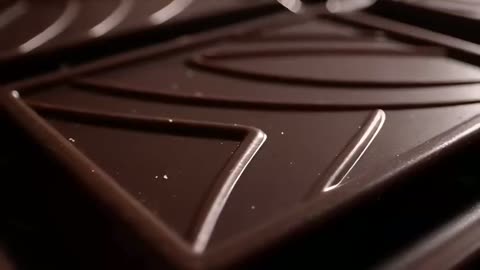
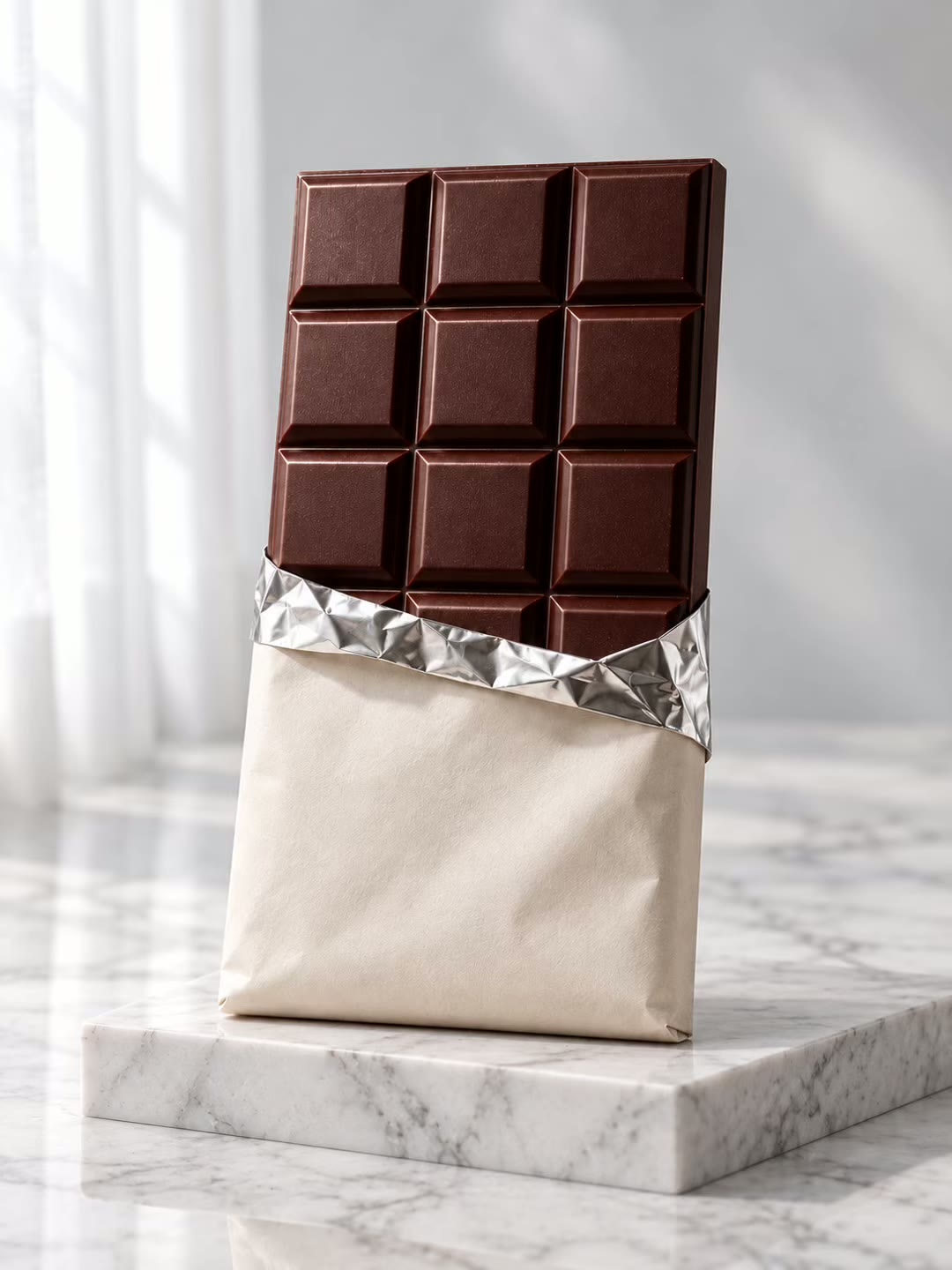
“Create two product images for this chocolate bar: one on a warm studio background and one in a sunlit kitchen.”

Chocolate bar reference photo
generated product visuals

Product storytelling

Bring your productstory to life.

Give your assistant the product details and a creative direction to start building your next marketing video.

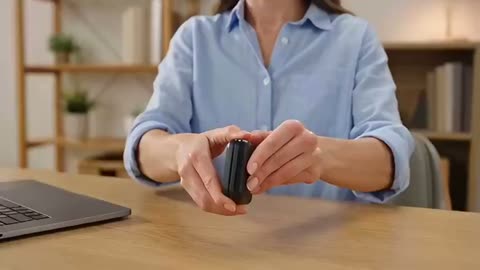
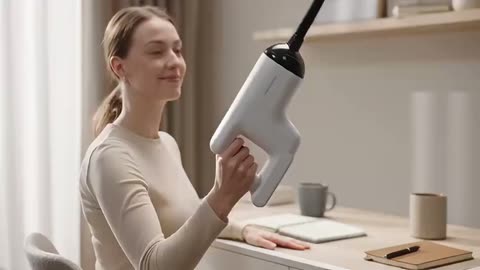
“Create a short launch video for this handheld game console, with close-ups of its design and a clean final product shot.”

generated marketing video

Character animation

Give your ad a character.

Explore a playful scene, a memorable line and a fresh way to introduce your product.

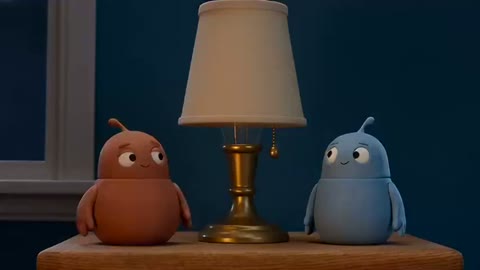
“Create a short clay-style ad with two crabs beside a drink can. One crab says, ‘Save a sip for me.’”

generated character ad

Website visuals

Create the visuals foryour next product page.

Generate product imagery and video for your website, from a striking hero to detailed product shots.

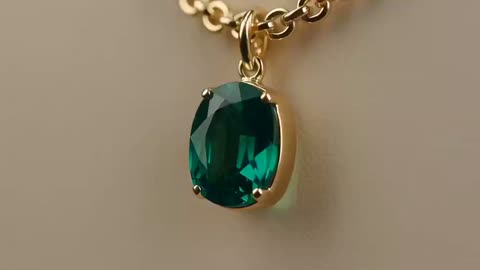
“Create a quiet, elegant hero video for these jewelry products, with slow camera movement and soft studio lighting.”

Jewelry reference photo
generated hero video

Access to the latest state-of-the-art models.

  • Seedance 2.5
  • Kling 3.0 Pro
  • Veo 3.1
  • Sora 2 Pro
  • MiniMax H3
  • GPT Image 2
  • Nano-Banana Pro
  • Seedream 5 Pro

Frequently asked questions

Arcads provides setup material for ChatGPT, Claude and Cursor. For Grok Bot and Replit, check the connection options currently available in Arcads Settings → MCP & skills.

Create your Arcads account, open Settings → MCP & skills, then choose your app and follow the connection instructions shown there.

The Arcads reference supports creative production including AI Actor videos, UGC ads, product imagery, static ads, B-roll and creative variations.

The Arcads MCP model list is being verified. The model area on this page is ready for the confirmed names and assets without a layout change.

Arcads is offering a 3-day free trial. Final eligibility and activation details are shown in the Arcads signup flow.

Credit usage depends on the generation and eligible Arcads plan. Confirm current credit rules in Arcads before starting a generation.

Connection requirements vary by app. Follow the current instructions in Arcads Settings → MCP & skills for your chosen assistant.

Generated work is available through the connected assistant experience and the applicable Arcads workspace. Exact destinations depend on the generation flow.

Bring Arcads into your creative workflow.

Create your account, then connect your preferred AI assistant.

Try Arcads free for 3 days.

Add Arcads to ChatGPT